

There are two ways to create a website: build it yourself on a ready-made platform, or order website development from an agency. Whichever you choose, the steps are the same — and their order shapes the result more than the code does.
Creating a website starts before any code: purpose, structure, content, design, build, testing and preparing for search. We explain the steps in order.
Where should you start when creating a website?
With the purpose: what should the site do — inform, collect enquiries, sell, or take bookings? The answer determines the number of pages, the forms and the integrations you need. When the purpose is not written down, the site changes again and again during design.
Structure and content
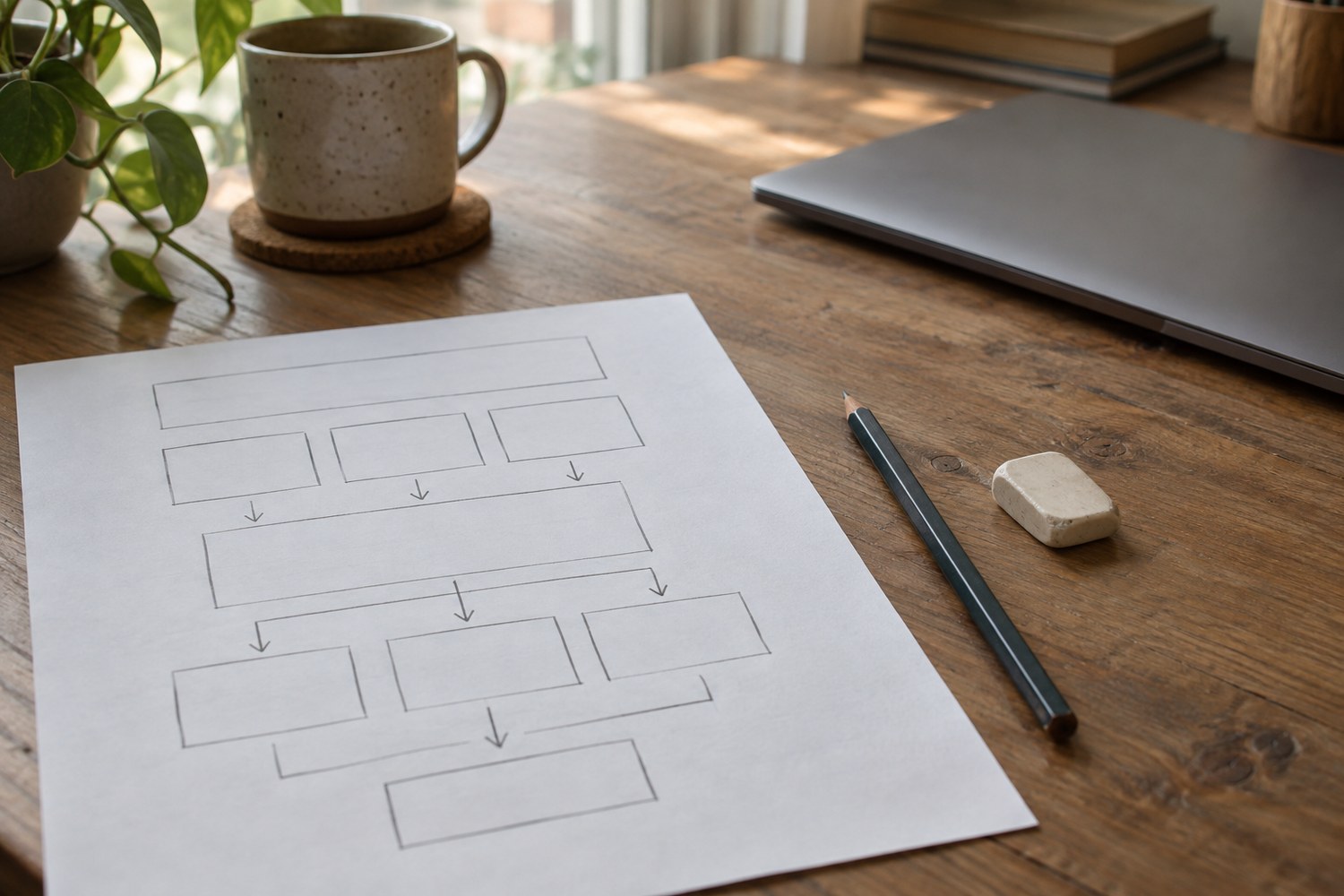
Before any code is written, the list of pages and how they connect is built on paper: where a visitor comes from, what they should find on which page, and which step leads to an enquiry. Copy and images start being prepared at this stage too — projects are delayed by content far more often than by the technical side.
Domain, hosting and platform
The domain is the site's address; hosting is the server it lives on. The choice of platform depends on the need: a ready-made system can be enough for a small presentation site, while a multilingual or integrated project needs a custom solution. Agreeing at the start whose name the domain and hosting are registered in avoids disputes later.
Design and build
Design starts from the mobile screen — a site that reads comfortably on a phone also works on a large screen, but not always the other way round. During the build the pages, forms and admin panel are set up, and every page is checked on different devices and browsers.
Preparing for search and handover
Before launch each page gets its own title and description, a sitemap is prepared and the site is added to Google Search Console — otherwise the search engine finds it late. After handover, updates, backups and security are ongoing work; we explain these costs separately in the article on website pricing.
Creating a website is more a planning job than a technical one. Once the purpose and structure are clear, the remaining steps follow in order.
Source: Google Search Central
Other articles:


we answer it.